
Have you ever felt overwhelmed by the complexity of programming, especially when you’re just getting started? The TI-84 Plus CE Python Programming Calculator presents an exciting opportunity for beginners to learn Python coding in a user-friendly way. Let’s break down what you can expect from this handy tool and how it can streamline your learning journey.
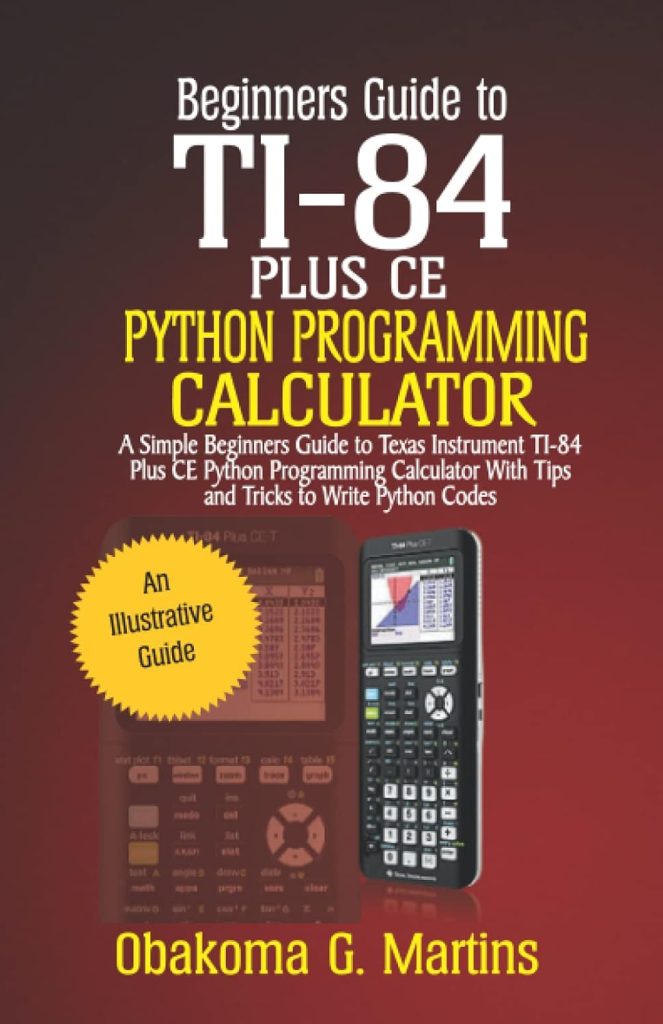

Understanding the TI-84 Plus CE Python Programming Calculator
The TI-84 Plus CE is more than just a standard calculator; it’s a powerful educational tool that integrates Python programming capabilities. With its sleek design and intuitive interface, this calculator sits at the intersection of math and technology, making it a great choice for both students and educators. You’ll find it particularly useful in various courses, from algebra to calculus and beyond.
Features of the TI-84 Plus CE
You’re probably wondering what makes this calculator stand out. Here are some key features you’ll find:
| Feature | Description |
|---|---|
| Python Programming | Built-in Python programming environment for coding on-the-go. |
| High-Resolution Display | A vibrant color screen that makes reading graphs and code easier. |
| Rechargeable Battery | Long-lasting performance, suitable for extended use. |
| Graphing Capabilities | Ability to graph functions and visualize data effectively. |
| Built-In Apps | Preloaded applications for statistics, geometry, and more. |
| User-Friendly Interface | Intuitive navigation that makes it accessible to beginners. |
With these features at your fingertips, you can tackle mathematical problems and learn programming concepts simultaneously.
Getting Started with Python on the TI-84 Plus CE
As you begin your journey into Python programming with the TI-84 Plus CE, you might be asking, “How do I start writing code?” Here’s how to smoothly transition into coding.
Setting Up Python Environment
You’ll find that setting up the Python environment on your calculator is pretty straightforward. Follow these steps:
- Turn on the Calculator: Press the ‘On’ button to wake up your device.
- Select the Python App: Navigate using the home screen to find the Python application.
- Create a New Program: Use the ‘New’ option to start a fresh program. Give your program a name that reflects its function.
Once you’ve set this up, you’re ready to begin writing your first lines of code!
Writing Your First Python Program
There’s something exhilarating about writing your first program. Let’s create a simple program that adds two numbers together. Here’s a quick breakdown:
This program adds two numbers
num1 = float(input(“Enter first number: “)) num2 = float(input(“Enter second number: “)) sum = num1 + num2 print(“The sum is:”, sum)
This code snippet uses the input() function to gather user inputs, adds the numbers, and then displays the result. Simple, right? Remember, practicing with little snippets like these builds a strong foundation.

Essential Python Concepts to Learn
Understanding core programming concepts is crucial for you as a beginner. Let’s highlight some key concepts that will help you along your journey.
Variables and Data Types
In Python, variables are the names that refer to data. Data types can be integers, floats, strings, or booleans. Here’s a little table to refresh your memory:
| Data Type | Description | Example |
|---|---|---|
| Integer | Whole numbers | 10 |
| Float | Decimal numbers | 10.5 |
| String | Text enclosed in quotes | “Hello World” |
| Boolean | True or False | True |
Control Structures
Control structures dictate the flow of your program. In Python, you will use if, for, and while statements to control how your code executes.
- If Statements: Used to make decisions.
- For Loops: Used for iterating over a sequence.
- While Loops: Repeats as long as a condition is true.
Example of Control Structures
If Statement
age = int(input(“Enter your age: “)) if age >= 18: print(“You are an adult.”) else: print(“You are a minor.”)
For Loop
for i in range(1, 6): print(i)
While Loop
count = 0 while count