
Python programming is a great way to step into the world of technology and coding. This article offers a comprehensive overview designed specifically for beginners, covering everything from the basics of Python to the importance of setting up a project folder and utilizing tools like VSCode. With Python, you’ll discover a supportive community eager to help you grow, making the learning process both rewarding and enjoyable.
Within this guide, you’ll explore essential topics such as understanding what Python is, how to install it, and navigating its unique features. You’ll also get to grips with foundational concepts like variables, conditions, and debugging, all crucial for your success. Jump in and get ready to kickstart an exciting journey into the world of programming!
Understanding Python Programming
Definition of Python and its Ecosystem
Python is a high-level, interpreted programming language that emphasizes readability and simplicity. It is widely used across different domains, making it a versatile choice for anyone looking to dive into programming. Python’s ecosystem includes various frameworks and libraries, such as Django for web development and NumPy for scientific computing, enhancing its functionality and allowing developers to handle a wide range of tasks efficiently.
Python is also a cross-platform language, which means it can run on Windows, Mac, and Linux without needing significant modifications. This flexibility makes it an excellent choice for beginners and professionals alike, as you can work in the environment that best suits you.
History and Background of Python
Python was created by Guido van Rossum, with its first version released in 1991. Since its inception, Python has grown rapidly, supported by an extensive community that contributes to its development and improvement. From small scripts to large systems, Python has evolved to accommodate a variety of programming needs, gaining popularity in fields such as data science, web development, and automation.
Its design philosophy emphasizes code readability, which is achieved through the significant use of whitespace and straightforward syntax. This focus has made Python one of the go-to languages for both beginners and experienced developers looking to prototype quickly.
Comparison with Other Programming Languages
When you compare Python to languages like Java and C++, you’ll notice some key differences. Python is often praised for its simplicity and ease of learning, mainly due to its less verbose syntax. While Java and C++ require more extensive declarations and adherence to complex structures, Python allows you to write less code to accomplish similar tasks.
Additionally, Python is dynamically typed, whereas Java and C++ are statically typed, which means you don’t have to declare a variable’s type explicitly in Python. This feature contributes to a quicker development experience, making Python an attractive option for newcomers to programming. While Java and C++ have their strengths in performance-critical applications, Python’s flexibility and ease of use often make it the preferred choice for rapidly developing applications.
The Importance of Learning Python
Popularity in the Programming Community
Python’s popularity has soared in the programming community over the years. It is consistently ranked as one of the top programming languages due to its ease of use and versatility. Platforms such as GitHub highlight a vast number of Python repositories, demonstrating its widespread application across projects and industries.
The supportive and active Python community is an incredible asset for learners. You can find forums, user groups, and online resources that provide help and share knowledge, making it easier for you to learn and grow your skills.

Python’s Role in the IT Industry
In the IT industry, Python is becoming increasingly essential. From web development to machine learning and data analysis, Python is utilized in many sectors. Businesses prefer Python for its quick development cycle and ability to integrate with other technologies seamlessly.
Knowing Python can significantly boost your employability if you’re aiming for a career in IT. Many job postings now list Python as a required skill, reflecting its importance in modern software development and data science.
Advantages for Beginners
For beginners, Python offers several advantages that make learning to program enjoyable and less daunting. Its syntax resembles everyday language, which helps new learners understand concepts without getting bogged down by complex structures.
Moreover, Python has a vast array of libraries and frameworks that allow you to build applications quickly without needing to start from scratch. This means you can focus on learning programming principles rather than wrestling with language syntax, making your initial learning experience more engaging and productive.
Getting Started with Python
Installing Python on Different Platforms
To get started with Python, the first step is installing the language on your machine. You can download Python from its official website, which provides installers for Windows, Mac, and Linux. The installation process is straightforward and involves following a few prompts to set up the interpreter.
Ensure that you check the option to add Python to your system path during installation; this will help you run Python commands from your command line or terminal with ease.
Setting Up Your Development Environment
Once Python is installed, the next step is setting up your development environment. You’ll want to select a text editor or Integrated Development Environment (IDE) that fits your needs. While you can write Python code in a simple text editor, using an IDE can significantly boost your productivity with features such as syntax highlighting, autocompletion, and built-in debugging tools.
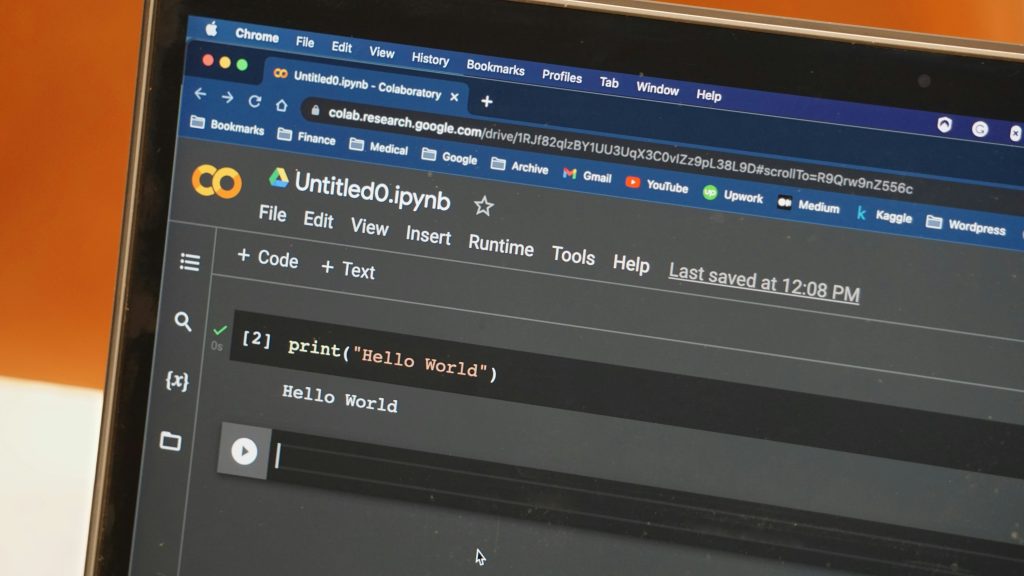
Introduction to IDEs: VSCode Overview
Visual Studio Code (VSCode) is a popular choice among Python developers. It’s lightweight, customizable, and supports many extensions that enhance Python development. With features like integrated terminal support, Git integration, and powerful debugging capabilities, VSCode makes it easy to manage your Python projects.
Installing the Python extension for VSCode is a must. This extension will provide you with IntelliSense, code navigation, and other tools that will make your coding experience smoother and more enjoyable.
Creating a Project Folder
Importance of Organizing Your Code
Organizing your code is crucial as you start to work on multiple projects. A well-structured project folder makes it easier to navigate through your files and helps you keep your codebase clean and understandable. It also facilitates collaboration if you’re working with others.
How to Create and Manage Project Folders
Creating a project folder is simple! You can create it anywhere on your system, but a common practice is to keep all your programming projects in a dedicated “Projects” folder within your Documents. Within this folder, you can create subfolders for each project, containing necessary files and resources.
To manage your project effectively, consider including folders for scripts, documentation, and tests. This clear structure will help you stay organized and enjoy writing code without unnecessary clutter.
Best Practices for Naming Conventions
When naming your project folders and files, consistency and clarity are key. Use lowercase letters and separate words with underscores for readability, e.g., my_first_python_project. Avoid spaces and special characters to prevent any issues, especially when working with version control systems like Git.
Additionally, follow similar naming conventions for your code files. This consistent approach will enhance collaboration and make it easier for you and others to understand what each file contains at a glance.
Python Fundamentals

Syntax and Structure of Python Code
Python’s syntax is designed to be clear and straightforward. Indentation in Python is not only a stylistic choice but a requirement that defines the block structure of your code. In contrast to many programming languages that use braces or keywords for block definitions, Python uses whitespace to make the code cleaner and more readable.
Running Your First Python Script: Hello World
As you embark on your Python journey, a classic first step is running a “Hello World” program. To do this, open your IDE and create a new file called hello.py. Inside, write the following line of code:
print(“Hello, World!”)
To run your script, navigate to your terminal, change to the directory where your file is located, and type python hello.py. You should see “Hello, World!” printed in your terminal, confirming that your Python installation and script are functioning correctly.
Understanding Variables and Data Types
Variables in Python are used to store data, allowing for easy manipulation and use of information in your programs. Python supports several built-in data types, including integers, floating-point numbers, strings, and booleans.
For instance, you can create a variable to hold a string by writing:
greeting = “Welcome to Python!”
Python’s dynamic typing allows you to reassign variables to different data types without explicit declarations, making it flexible but requiring careful management to avoid type-related errors.
Control Structures in Python
Introduction to Conditions and Loops
Control structures such as conditions and loops are fundamental to Python programming. Conditions allow you to execute different parts of your code based on whether certain criteria are met. Python’s if, elif, and else statements facilitate this decision-making process.
Loops, including for and while loops, enable you to repeat a section of code multiple times, which is particularly useful for handling collections of data.
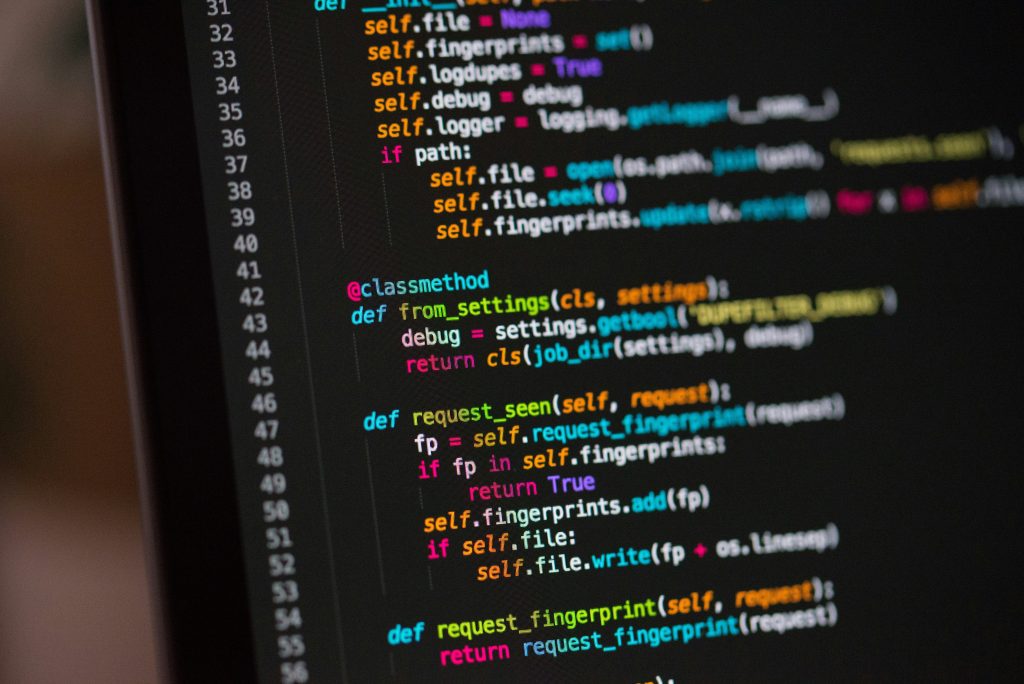
Using If Statements and Logical Operators
The if statement is the simplest form of control flow in Python. Here’s an example:
age = 20 if age >= 18: print(“You are an adult.”) else: print(“You are a minor.”)
In this example, if the variable age is 18 or older, it will print that you are an adult; otherwise, it will indicate you are a minor. Logical operators like and, or, and not can also be combined to create more complex conditions.
The Role of Functions and Method Definitions
Functions are a key component in structuring your code. They allow you to encapsulate code into reusable blocks, making your programs cleaner and easier to maintain. You can define a function using the def keyword:
def greet(name): print(f”Hello, !”)
You can then call this function with different names, promoting reusability and consistency throughout your code.
Working with Built-In Functions
Overview of Common Python Functions
Python comes with many built-in functions that simplify your programming tasks. Functions like print(), len(), and type() are commonly used to interact with data. Learn to use these functions early on, as they will become invaluable tools in your coding toolkit.
How to Create Your Own Functions
In addition to using built-in functions, you can create your own custom functions to encapsulate specific tasks or calculations. This not only promotes code reusability but also enhances the readability of your code. Remember to provide descriptive names to your functions to make their purpose clear.
def add_numbers(a, b): return a + b
You can then use add_numbers(5, 7) to get the result 12.
Importance of Built-In Libraries
One of the most powerful aspects of Python is its extensive libraries. These libraries bundle functions and methods that can handle everything from data manipulation to web development, saving you time and effort. Taking advantage of built-in libraries can enhance your projects considerably and expedite your learning curve.
Debugging in Python
What is Debugging?
Debugging is the process of identifying and fixing errors or bugs in your code. As you learn Python, you’ll inevitably encounter issues that will require careful investigation and troubleshooting. Debugging is an essential skill for any developer, so learning how to do it effectively can significantly improve your programming ability.
Tools and Techniques for Effective Debugging
Python offers various debugging tools and techniques to help streamline the debugging process. Common approaches include using print statements to track variable values, leveraging IDE features such as breakpoints, or using built-in techniques like the pdb module for more advanced debugging.
Taking the time to understand and apply these tools will save you countless hours of frustration in the future.
Common Errors and How to Fix Them
As you start coding, you may encounter various common errors, such as syntax errors, type errors, and indentation errors. Understanding these issues and how to resolve them will enhance your coding experience. Consult documentation and online resources whenever you encounter problems for beginner-friendly solutions and explanations.
Exploring Python Libraries
Introduction to Popular Python Libraries (e.g., NumPy, Pandas)
Python has a variety of libraries designed for specific tasks. Libraries like NumPy and Pandas are essential for data analysis and manipulation. By familiarizing yourself with these libraries, you’ll tremendously expand the scope of what you can achieve with Python.
How to Install and Use Python Libraries
Installing libraries can be done easily using package managers such as pip. Simply open your terminal and run a command like pip install numpy. Once installed, you can import the library into your scripts with an import statement.
For example:
import numpy as np
Now, all of the functions and methods provided by NumPy will be available for you to use in your code!
Real-World Applications of Python Libraries
Part of what makes Python so powerful is its application in real-world situations. From web scraping with BeautifulSoup to creating dynamic web applications with Flask, the possibilities are vast. Explore various projects and use cases available in the community to see what others are building and understand how libraries can enhance your work.
Conclusion
Recap of Key Concepts in Python Programming
You’ve covered foundational concepts in Python programming, from understanding its syntax and structures to navigating control flow and utilizing libraries. This knowledge will serve as a solid foundation for your ongoing programming journey.
The Importance of Continuous Learning
The tech landscape, particularly for programming languages, is ever-evolving. Therefore, it is essential to commit to continuous learning. Whether through projects, community engagement, or formal courses, there will always be more to discover in the world of Python programming.
Encouragement to Start Coding
Now is the perfect time to embark on your Python journey! Armed with the information you’ve learned, you’re ready to start coding. Remember, practice is key. Build small projects, experiment with new libraries, and don’t hesitate to seek help from the community. The world of programming is exciting and full of opportunity, and you’re just at the beginning of your adventure! Happy coding!